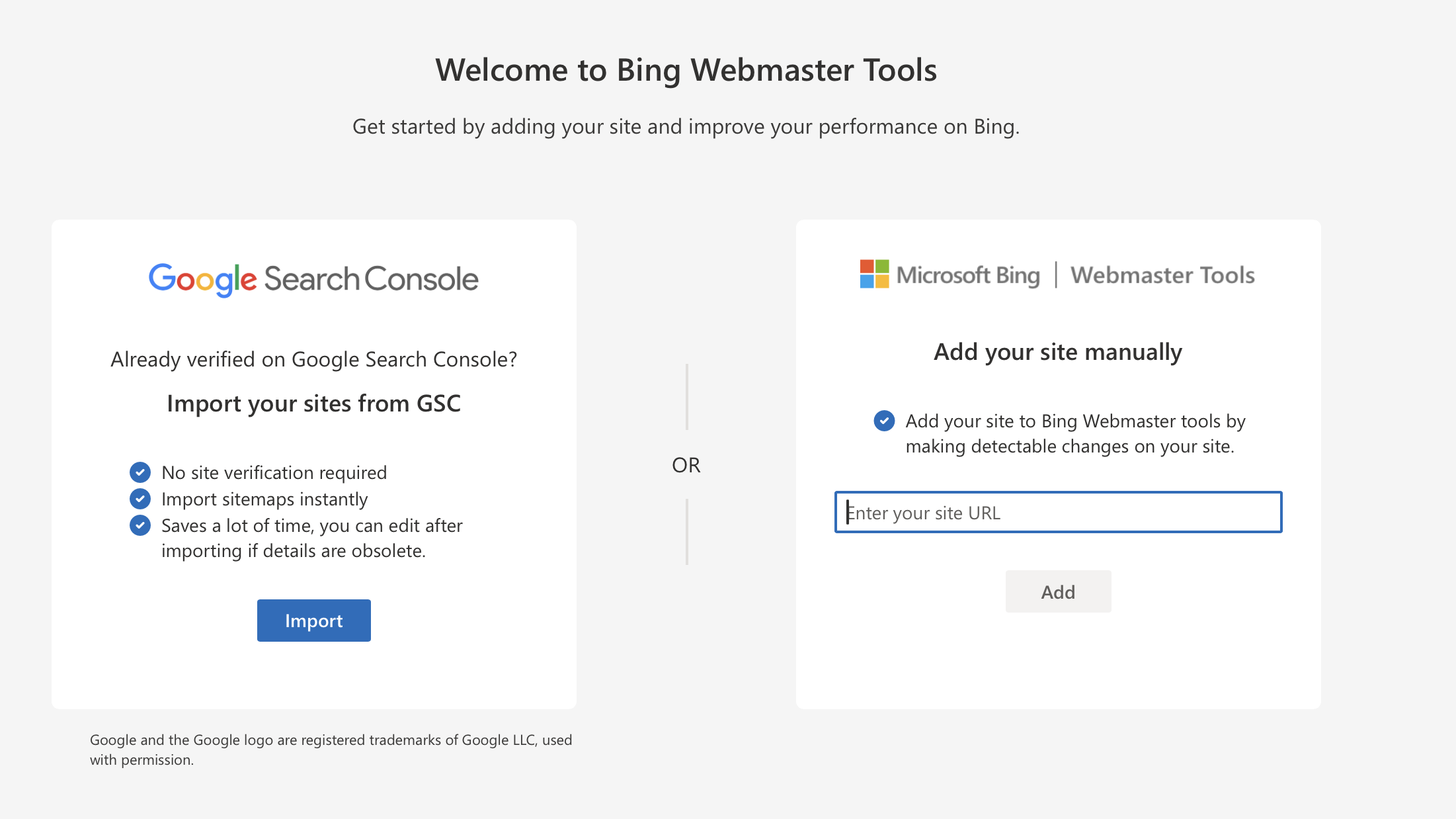
If you already use Google Search Console (GSC), log in using the same Google account.

If you haven't set up Google Search Console before, you have two options:
Option A: XML File Verification
Download the XML verification file provided by Bing.
Upload the XML file to the root folder of your website using FTP or your hosting file manager.
Option B: HTML Meta Tag Verification (Recommended)
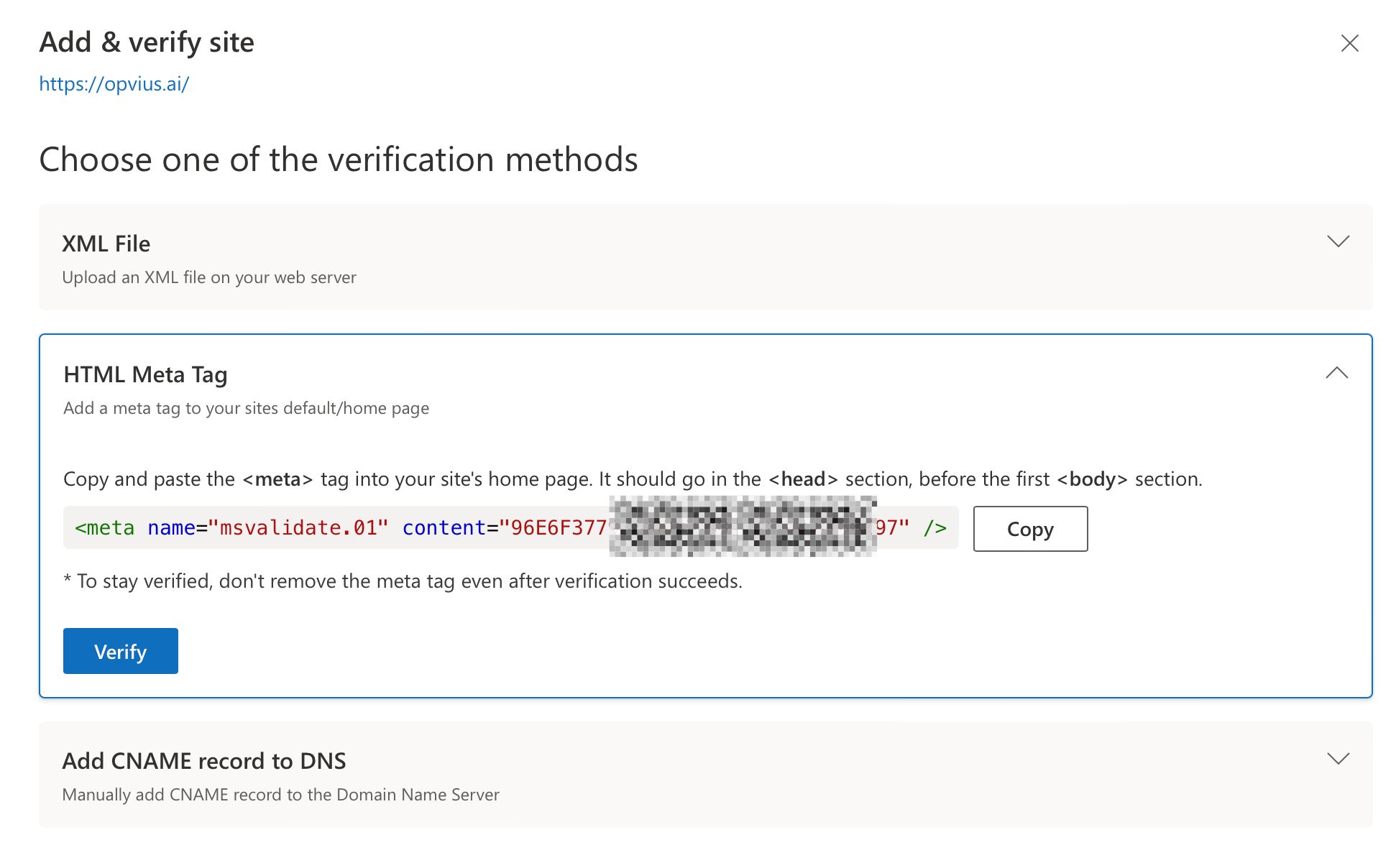
Copy the HTML meta tag provided by Bing Webmaster Tools.
If you're using RankMath:
Navigate to RankMath > General Settings > Webmaster Tools.
Paste the copied HTML meta tag into the Bing Webmaster Tools field.
Return to Bing Webmaster Tools and click Verify.
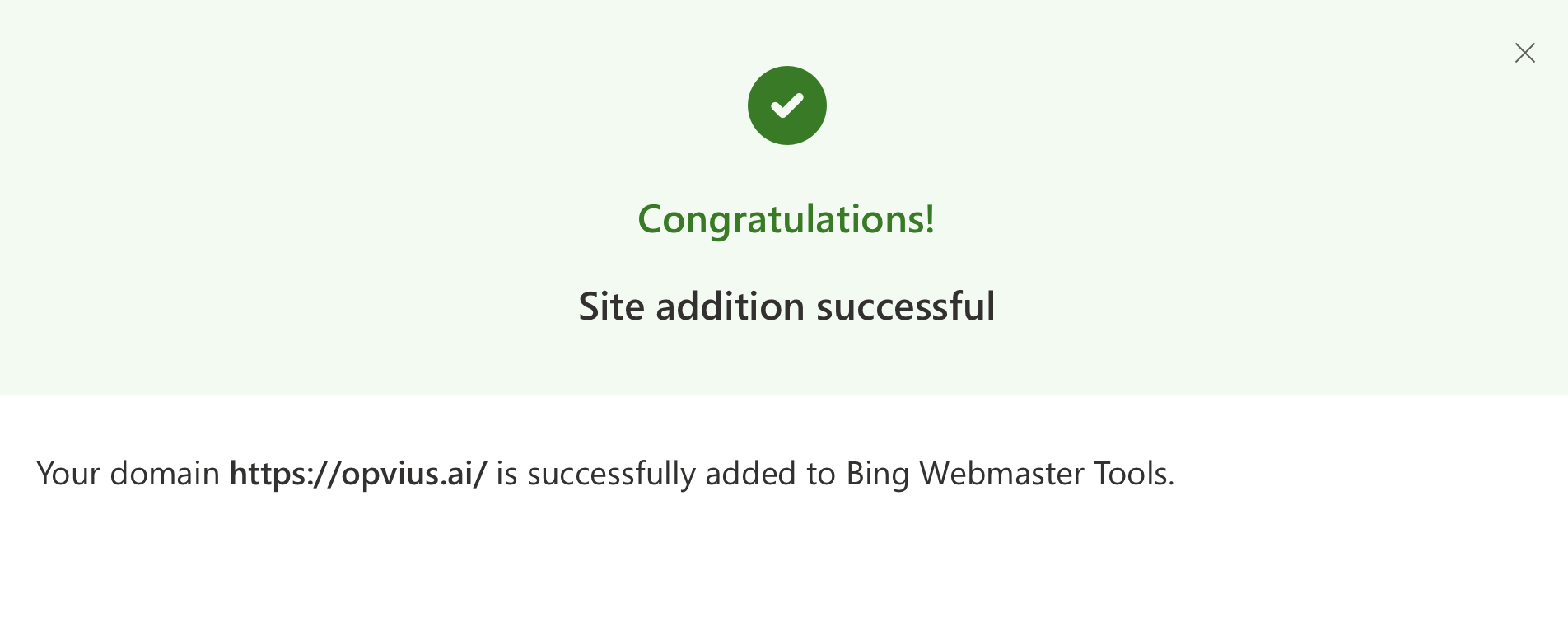
Wait for the verification to complete. You will see a confirmation once done.